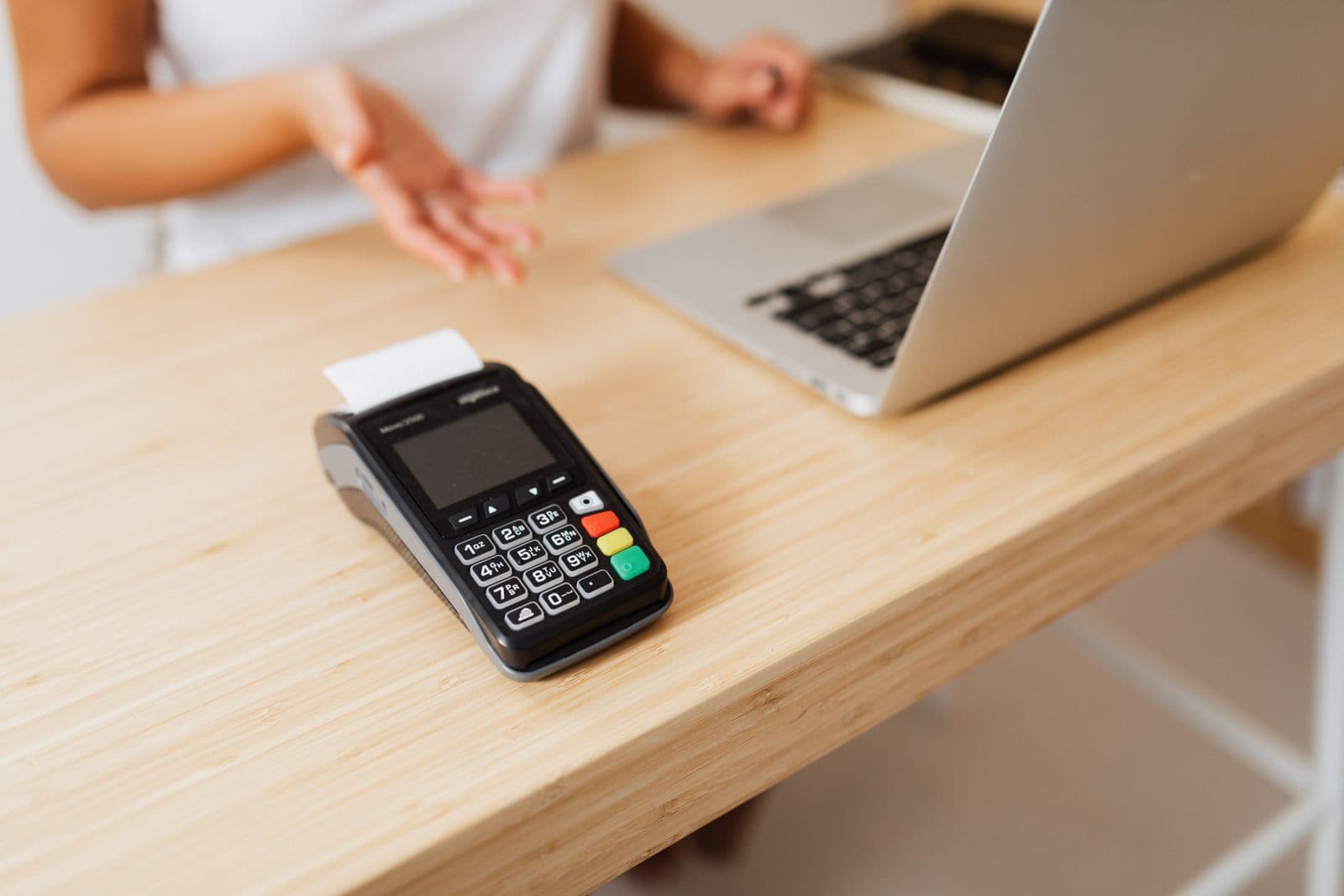
The usual reason to switch processors is the rate. The usual surprise is the hardware. A merchant who has negotiated a better deal finds that the card machine on the counter will not work with the new processor, that it never belonged to them, or that it has to be posted back within ten days or billed at several hundred dollars.
Card terminals fall into three groups: hardware tied to one company's payments for good, standard terminals that a new processor can reprogram, and terminals that were lent to you and have to go back. Which group yours is in decides whether switching costs you nothing or the price of a new counter setup. Here is what each provider's own terms and help pages say, as of 1 October 2026.
Hardware that works with one processor only
Most modern point-of-sale systems sell the software, the hardware and the payment processing as one product. The hardware is built for that system and nothing else, and all but one of the providers below say so in writing.
- Clover: Clover's own FAQ says that "while Clover POS devices may be purchased or leased from other entities, they cannot be used with other payment processors." Clover is owned by Fiserv and sold through banks and resellers, and a business buying another business's Clover can keep it only "if you are staying with the previous owner's merchant services provider". Clover's own hardware subscriptions are "non-cancelable and ineligible for refunds", though they can be paid off at any time. Whether a Clover can move from one Fiserv reseller to another is not documented on any Clover page we found; Clover's FAQ points you to its phone line. Our Clover review covers why the reseller you buy from matters so much.
- Toast: Toast's merchant agreement says its services "may only be used on approved Toast Hardware", and its billing FAQ says "You must use Toast's processing services." You do own the hardware: title passes to you at shipment. But it only runs Toast, and as our Toast review notes, it cannot be reused with another POS if you leave.
- Lightspeed: Lightspeed Payments "does not integrate with any other payment processor or POS system". Its terminals must be bought from Lightspeed directly, and "payment terminals purchased through third-party vendors are not supported." It also says you "cannot use any existing terminal hardware you might already have", because it has not been loaded with Lightspeed's certified firmware. So the lock works in both directions: you cannot bring a terminal in, and a Lightspeed terminal is no use elsewhere. See our Lightspeed review.
- Helcim: Helcim's hardware terms say "You may only use the Hardware in conjunction with the Services", meaning Helcim's own processing. Its Smart Terminal costs $349. Helcim sells hardware outright rather than leasing it, which our Helcim review counts in its favour, but owning a terminal does not let you take it to another processor.
- Shopify: the card readers Shopify supports in the US require Shopify Payments: "You must use Shopify Payments." Shopify does let you use an external card reader instead, but, in its words, "using an external terminal requires having an account with your selected terminal provider." See our Shopify Payments review.
- Square: Square does not say this in its terms or help centre, as far as we could find. A Square staff member wrote on its community forum in 2021 that "Square payments hardware can only currently be used to process payments via Square's payment network". Square's hardware warranty ends if you sell or transfer the device.
Stripe is the partial exception
Stripe Terminal readers are also tied to Stripe, but not to one Stripe account. Stripe's support page says "Terminal card readers can connect to any Stripe account for live or test transactions." Moving a smart reader to an unrelated account means generating a new registration code on the reader, because registering by serial number cannot transfer it. That matters if you sell a business, or move from one software platform built on Stripe to another, but it is not a way to leave Stripe.
Standard terminals can usually be reprogrammed
A stand-alone countertop terminal from a manufacturer such as PAX, Ingenico, Verifone or Dejavoo is not tied to a single processor in the same way. A new processor can usually reprogram it, which means loading its own software settings and, for PIN debit, its own encryption keys.
The keys are why this is not a simple settings change. The PCI Security Standards Council's PIN security requirements say that a terminal that "interfaces with more than one acquiring organization" must have "a completely different and unique key or set of keys for each acquiring organization", loaded under dual control. Historically that meant posting the terminal to a secure facility. PAX now offers remote key injection, which it says "eliminates the need for merchants, who want to process PIN-based transactions, to ship their terminals" to a third party.
Three things can still stop a reprogram:
- The old processor may have locked it. Payment Depot, explaining reprogramming on its blog in 2025, wrote that "many processors lock their terminals so they cannot be reprogrammed", and that a PAX terminal "does need to be deregistered by the previous processor first". Ask your current processor whether the device will be released, and get the answer before you give notice.
- Your new processor may not support the model. Ask for its list of certified devices and check your exact model number against it.
- The terminal may be too old. Card terminals carry a PCI approval that expires. The Council says devices are approved until six years after the next major version of its standard takes effect, and that expiry "indicates devices may not be able to withstand the latest generations of attacks and should therefore be replaced as soon as feasible". In September 2025 it extended the expiry date for devices approved under version 5 of its terminal standard from 30 April 2026 to 30 April 2027. Manufacturers retire models on their own schedule as well: Ingenico ended support for its Lane/5000 V3 on 3 June 2026, and Stripe's Verifone P400 stopped processing payments on 9 February 2026.
Who pays for reprogramming varies, and few processors publish it. A provider that wants your business will often do it free, so ask. If the answer is that the terminal cannot be moved, compare the cost of a new one with what you would save on rates.
The "free" terminal has to go back
A terminal supplied free with a processing account usually stays the processor's property. Two published examples:
- Shift4's free equipment terms say the equipment "will remain the exclusive property of Company". If it is not returned within 15 days of the account ending, Shift4 can debit $200 for a standard terminal such as a VX520, $300 for an enhanced one such as a PAX A930, and $500 for a premium POS bundle.
- Payanywhere's free placement terms say the equipment "is the property of Payanywhere" and must be returned "within ten (10) days" of the account closing in good working order, or you are charged its listed value.
Rented and leased hardware works the same way. SpotOn's merchant terms say hardware it leases or rents stays SpotOn's and must be returned within 15 business days of termination. Otherwise SpotOn can charge a replacement fee set in its fee summary or, if none is specified, the device's fair market value as SpotOn determines it. Its terms also limit that hardware to use "exclusively in conjunction with" SpotOn's services. A third-party equipment lease is worse: it is a separate contract that keeps running after you leave the processor, which we cover in our guide to non-cancellable terminal leases.
What to do before you switch
- Find out who owns your terminal. Look for an equipment purchase receipt, a free-equipment or placement agreement, a rental line on your statement, or a separate lease. Each one leads to a different answer.
- If it belongs to the old processor, diarise the return deadline. It can be as short as ten days after the account closes, and the non-return fee is often more than the terminal is worth to you.
- If you own a standard terminal, give your new processor the make and model and ask in writing whether it can reprogram it, what that costs, and whether your current processor has to release it first.
- If you are on Clover, Toast, Lightspeed, Helcim, Shopify or Square hardware, plan on new hardware. The question is only what the old hardware is still worth to you, and whether it is under a subscription or lease you still have to pay.
- Keep the old terminal working until the new one is live, and remember that saved customer cards, subscriptions and wallet tokens raise separate questions, which we cover in our guide to moving stored cards when you switch.