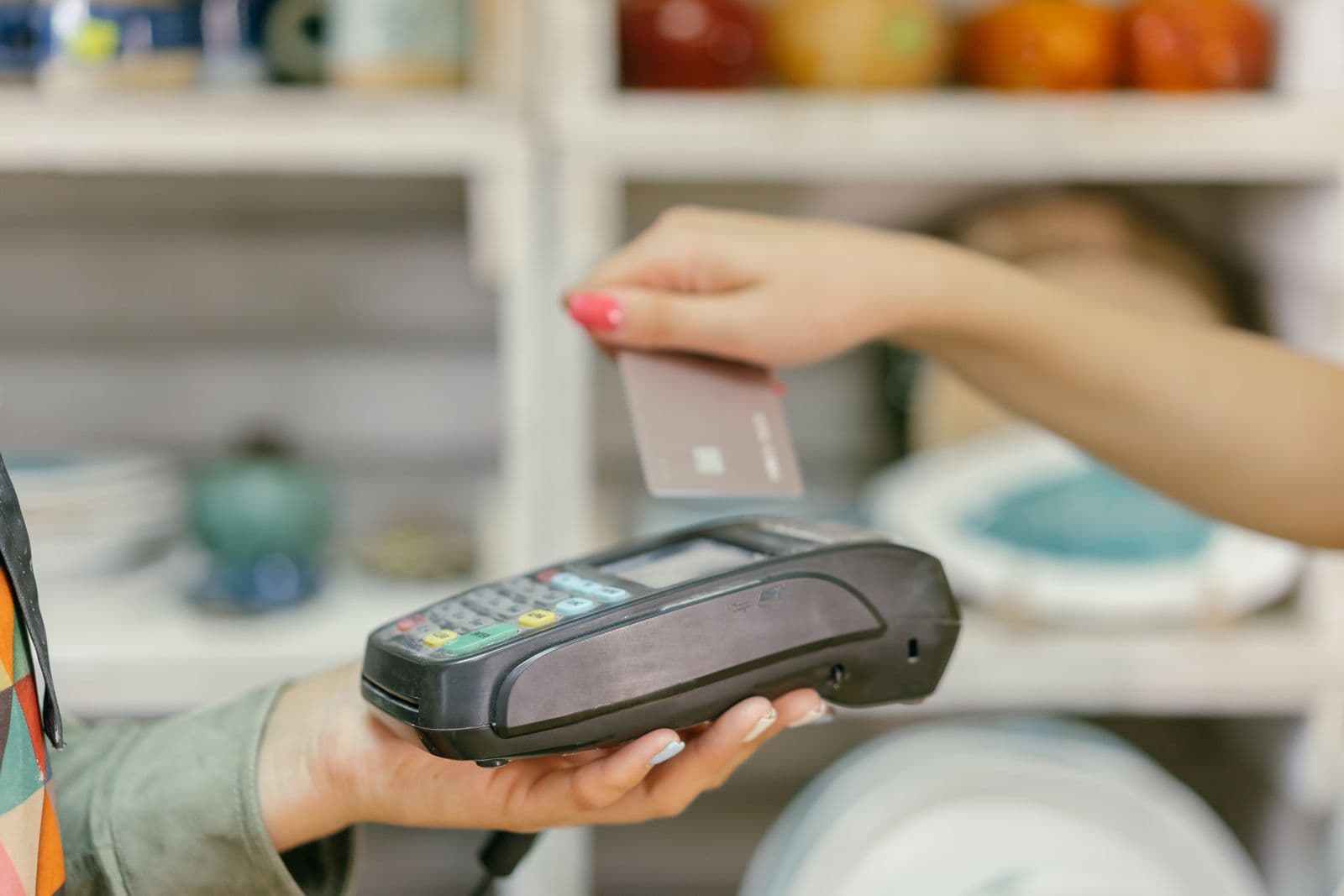
The internet goes down in the middle of a Saturday lunch service. Most modern point-of-sale systems will keep taking cards anyway: the reader reads the chip, stores the payment and sends it for approval once the connection is back. It feels like nothing happened.
Something did. A card payment taken offline has not been approved by the customer's bank. It is a promise that you will ask later, and if the bank then says no, the money is gone. We read the offline-mode pages of twelve providers the site has reviewed, and Visa's rules on delayed approvals, on 26 September 2026. Every provider that offers the feature and says who bears the risk puts it on the merchant. What differs is how much you can take, how long you have to reconnect, and what quietly destroys the payments you stored.
What an offline payment actually is
In the US every card payment is supposed to be approved by the card issuer before the customer leaves. Visa's acceptance device guide says the floor limit, the amount below which a merchant may skip approval, "is zero for all transactions and markets, except for specific exceptions". Offline mode works around that with what Visa calls deferred authorization: the merchant stores the transaction and asks for approval once it can.
Visa allows this, on two conditions that matter to you. The guide says merchants "should complete authorizations within 24 hours of the transaction", and a separate Visa notice to acquirers sets the same 24-hour window for every merchant category except transit. And it is explicit about the risk: "The merchant is at risk for those transactions that are subsequently declined." You may retry a declined one, but Visa says declined transactions "must eventually be discarded".
So a stored payment can fail for every reason a live one can: the card was cancelled, the account was empty, the card was reported stolen that morning. The difference is that the customer has already left with the goods.
Every provider says the same thing about the loss
The wording varies. The allocation does not:
- Square: "You're responsible for any expired, declined, or disputed payments accepted while taking offline payments." Square adds that it cannot give you the customer's contact details or chase them for you.
- Toast: "You are responsible for any declined, expired, or disputed payments taken in Offline Mode." Its card payments FAQ adds that a decline at that point is final.
- Clover: taking an offline payment means you "accept the risk of a declined or partial payment when the device is back online", for example if the card is expired or cancelled, or the PIN was wrong.
- Stripe Terminal: "You, as the user, assume all decline and tamper-related risks associated with an offline transaction."
- SpotOn: "You are fully liable for failed captures, chargebacks, and disputes of offline payments."
- Heartland (its restaurant POS, whose help centre is now run by Global Payments): merchants "accept the risk of financial loss" and "there is no guarantee that stored transactions will be approved". Fully declined payments are reported as bad debt, and there is no way to authorize them by hand.
Only Square says anything about price: offline payments are charged your normal rate, "so you'll see no difference in fees". None of the others mentions an offline surcharge.
The clock: 24 hours is the number that matters
Providers publish different deadlines, and the difference between a recommendation and a hard stop is easy to miss:
- Square processes offline payments automatically if you reconnect "within 24 hours (no later than 72 hours)". On Register, Terminal and Handheld you must upload them within 72 hours of the start of the offline session. After 72 hours they expire and "cannot be retrieved or reprocessed".
- Toast warns that authorizations "may expire if too much time passes (as determined by the card networks) as early as 24 hours from when the transaction occurred in some cases".
- Clover devices can keep taking offline payments for up to seven days.
- Shopify POS asks you to reconnect "as soon as possible, ideally within 24 hours" and publishes no hard expiry.
- Lavu recommends reconnecting within 72 hours "or the offline transactions could expire".
- SpotOn makes you set a maximum number of days the terminal may stay offline.
- Heartland's restaurant system stores payments until it reconnects, then says they can take "from 2 to 24 hours to authorize".
Read those against Visa's 24-hour window. A device that is allowed to keep taking payments for a week is not the same as a week in which those payments are safe. The first day is when the risk is lowest, and every hour after it adds to it. If an outage will clearly last, a phone hotspot to get the till back online usually beats a longer offline session.
The limits you can set
Most systems let you cap your exposure. Few set a cap for you, and the defaults are rarely published, so check yours before you need it:
- Square: a maximum per transaction, anywhere from $1 to $50,000. No total cap is documented.
- Toast: an optional per-transaction limit, above which a manager must approve. Toast's platform guide says the limit does not include the tip.
- Clover: a per-payment limit, a limit on total offline payments, and manager approval above an amount, all set by you.
- Shopify POS: a per-order limit and a daily total per device, both set by you.
- Lightspeed Retail (X-Series): per-transaction and total limits pre-filled at the maximum Lightspeed permits. You can lower them but not raise them, and the maximums are not published.
- SpotOn: three required limits: per transaction, total, and days offline.
- Lavu: under $5,000 per transaction and $50,000 in total, which Lavu says it can change at its discretion.
- Stripe Terminal: no Stripe cap. Stripe tells developers to build their own, such as refusing payments above an amount or stopping once stored payments pass a total.
A useful rule of thumb is to set the per-transaction limit around your largest normal sale and the total around what you could afford to lose in a bad afternoon. A single declined $2,000 payment is a much bigger problem than twenty declined $15 ones.
What you cannot take offline
Offline mode works with the physical card in front of you. What each provider leaves out varies:
- Tap to Pay on a phone. Square and Shopify exclude it. Stripe says Tap to Pay on Android does not support offline mode and Tap to Pay on iPhone offline is only in private preview in the US. If your business runs on phones rather than readers, see our guide to tap-to-pay fees and plan on having no offline fallback.
- Swiping and typing card numbers. Stripe does not allow swiping offline, and Shopify excludes swipe and manual entry. Square excludes manual entry and warns that swiping a chip card raises your risk of declines. Lavu is the exception: its offline mode works only with an iDynamo reader plugged into the iPad, and its instructions describe swiping the card.
- PIN debit. SpotOn runs every offline card as credit. Stripe does not support the US PIN debit networks NYCE, PULSE and STAR offline. Toast, by contrast, tells staff to have guests insert their card and enter their PIN whenever possible.
- Gift cards, EBT and store credit. Square, Clover and Toast exclude gift cards, Square and Clover exclude EBT, and Toast adds loyalty redemptions, house accounts and text-to-pay.
What wipes stored payments for good
This is the part that costs merchants money with no bank involved at all. Until they are uploaded, offline payments live only on the device, and several providers are explicit that routine troubleshooting can delete them:
- Square lists signing out, deleting the app, switching modes or locations, and factory resetting the device or hardware: "Pending offline payments will be permanently lost and the funds won't be captured." Restarting is fine, as long as you power back on in time.
- Toast says not to log out of or uninstall the app, because uninstalling in Offline Mode makes the device's order and payment data "lost and unrecoverable".
- Clover: "Do not uninstall the app while offline. Doing so deletes all payments taken while offline."
- SpotOn says not to turn the terminal off, let the battery die, close or uninstall the app, or clear its data: "If the terminal powers off before reconnecting, stored offline payments cannot be recovered."
- Shopify says logging out of POS or turning the device off "might cause loss of offline orders".
- Lavu makes you liable for offline payments if the device is lost, stolen or damaged, or you delete the app, before it reconnects, and adds that you cannot dispute a declined offline transaction.
The instinct during an outage is to log out and back in, reinstall or reset. With payments stored on the device, do none of those. Keep devices charged and let them reconnect on their own.
Who is switched on by default
Some systems will take offline payments whether or not you ever thought about it. Square says offline payments are allowed on all your devices "unless you opt out". Toast's background card processing is on by default, and Clover's offline payments are on by default on Station, Station 2, Mini, Flex and Mobile.
Others must be switched on before the outage, while you are still online. Shopify POS needs it turned on in the admin, plus a staff permission. Stripe Terminal needs it enabled in a configuration or the Dashboard, and each reader must have connected online recently. SpotOn, Lightspeed Retail, Lavu (which makes you accept its terms in the control panel and on the POS) and Heartland (whose dealer submits a boarding form) are the same. One of SpotOn's own settings pages recommends leaving it off. Lightspeed's Retail offline mode is in beta and works only on its Smart Terminal. Its restaurant product (K-Series) documents only a standalone payment mode for outages, which is not the same as storing payments. TouchBistro says restaurants on TouchBistro Payments in the US can take offline payments, but we could not find its US limits or liability terms on a public page.
Two providers do not offer it on the hardware we checked. Helcim says its card reader "does not support offline payments" because they carry higher risk for the business, and all payments must be processed while the device is connected. SumUp has no US offline mode that we could find: its only offline article is an Irish pilot on the Solo reader. Neither is a flaw if your connection is reliable, but a food truck or market stall should weigh it.
Setting it up sensibly
- Decide whether you want it at all. If a missed sale costs you less than a bad debt, turning it off is a legitimate choice.
- If you keep it, set a per-transaction limit and, where your system allows, a total limit. Do it now: Toast cannot change the setting while a device is offline, and SpotOn cannot switch offline mode on once the terminal has lost its connection.
- Train staff to insert or tap the card, never to swipe or key it in, and to use PIN where the system supports it.
- Take the customer's phone number or email for large offline sales. Shopify requires it; for everyone else it is the only way to collect after a decline.
- Reconnect within 24 hours. A backup connection, such as a phone hotspot or a router with mobile-data failover, is cheaper than a week of stored payments.
- Tell staff never to log out, reinstall or reset a device holding stored payments.
- After reconnecting, check your offline or declined-payments report the same day. Restaurants, where tabs are high and guests are gone before any decline, have the most exposure; our restaurant processor guide compares the systems built for them.